How to Get to 80 WPM: The Plateau-Breaking Plan
By Mark Fulton ·
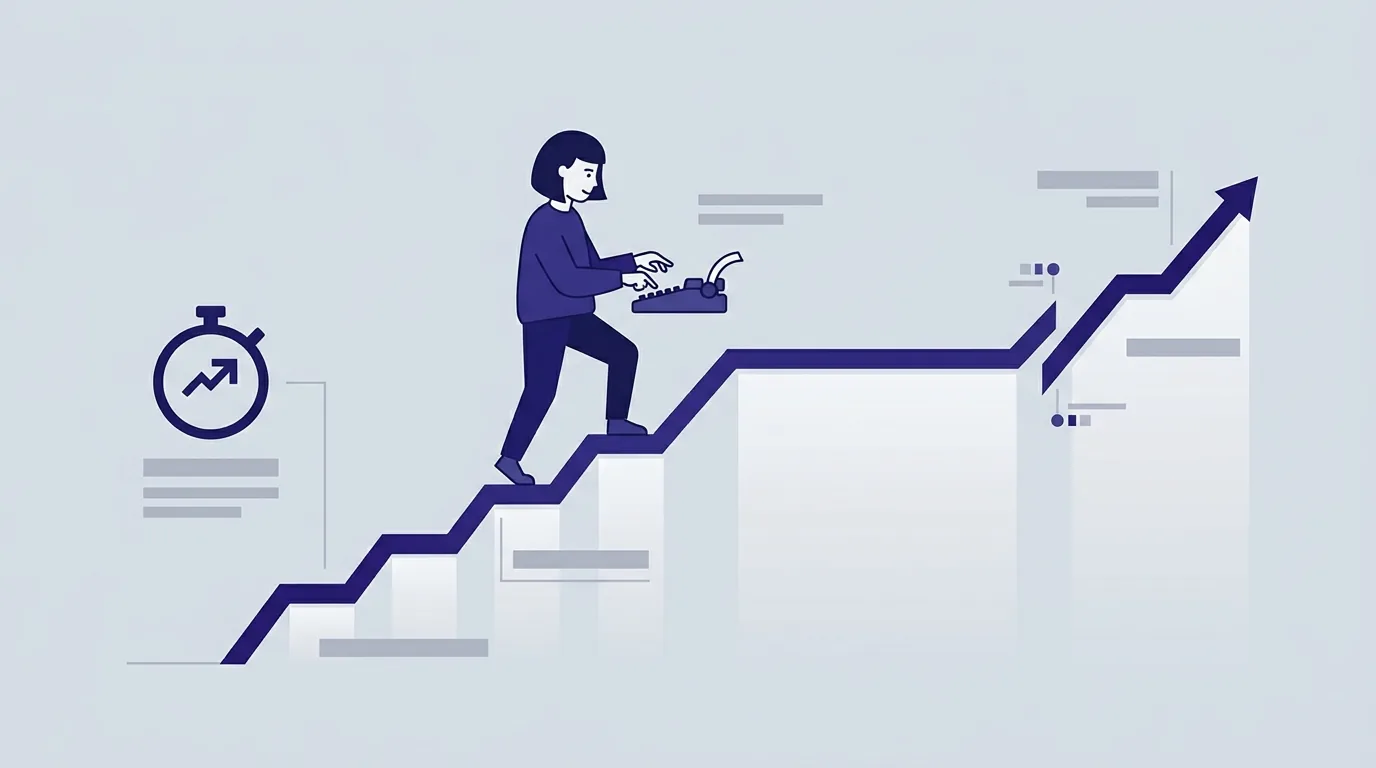
Getting to 80 WPM from the 55 to 70 range is a different problem from getting to 55, and that is why the advice that worked the first time stops working. Everything below 55 is won by fixing mechanics: put every letter under a dedicated finger and stop looking down. By 60 that work is mostly done, so grinding more of it produces nothing. The gap from 65 to 80 is worth about 50 milliseconds per keystroke, and it is closed by removing hesitation and irregularity rather than by trying to move faster. So the first job is not practice. It is diagnosis: figure out which of four specific ceilings is holding you, then train that one.
Here is the arithmetic that reframes the whole thing. Typing speed is scored at five characters per word, so 65 WPM is 325 characters a minute, or roughly 185 milliseconds between keystrokes. 80 WPM is 400 characters a minute, or 150 milliseconds. You are not looking for a new gear. You are looking for 35 to 50 milliseconds of dead air per keystroke, and dead air has a small number of causes.
Why do most typists stall between 55 and 70 WPM?
Because the thing that got you here has been used up.
The How We Type study at Aalto University tracked 30 typists with motion capture and high-speed cameras, and found three predictors of high performance: an unambiguous mapping where a given letter is consistently pressed by the same finger, active preparation of upcoming keystrokes, and minimal global hand motion. The same work found that people using five fingers can match people using ten. Finger count is not the variable. Consistency of assignment is.
Notice what that means for your plateau. Predictor one, unambiguous mapping, is the one you solved on the way to 55. Predictors two and three are almost always still open at 65, and they are invisible on a results screen that only shows you a WPM number.
Preparation is the bigger of the two. The larger companion study, Observations on Typing from 136 Million Keystrokes, collected data from 168,000 volunteers. The University of Cambridge summary of that research reports an average of 52 words per minute, a fastest group around 120, and the mechanism that separates them: the quickest typists performed between 40 and 70 percent of their keystrokes with rollover, pressing the next key before the previous one has been released. Their hands overlap. A typist stuck at 65 is usually still executing one keystroke at a time, cleanly and in order, which feels correct and costs a fraction of a second on every letter pair.
The other finding worth carrying forward is that faster typists in that dataset made fewer errors, not more. Nobody buys 80 WPM with sloppiness. That is why every route below starts from accuracy.
How do you diagnose which bottleneck is yours?
Take one three minute test, cold, on prose rather than a short word list. Write down four numbers: net WPM, gross WPM, accuracy, and consistency. Then walk the tree.
Start here: is your accuracy below 95 percent?
- Yes → you have an error ceiling. Stop reading about speed. Nothing else on this list can move while a twentieth of your keystrokes are wrong, because the net WPM formula deducts a word for every uncorrected error and you spend real time on backspaces for the rest.
- No → next question.
Is your net WPM more than about 8 below your gross WPM?
- Yes → you have a correction tax. You are typing fast and repairing constantly. The raw speed is already there, which is good news, but it is being spent twice.
- No → next question.
Is your consistency below 70?
- Yes → you have a rhythm ceiling, and this is the most common one in the 55 to 70 band. Consistency on TypeTimer is 100 minus the coefficient of variation of your per-second burst speed, so 70 means your bursts swing about 30 percent around your own average. At a mean of 65, that is seconds ranging from roughly 45 to 85. Those slow seconds are hesitation, and hesitation is the 50 milliseconds you are looking for.
- No → next question.
Do your eyes leave the screen for capitals, numbers, punctuation, or an unfamiliar word?
- Yes → you have a mapping gap. The alphabet is automatic and the rest of the keyboard is not, so every apostrophe, comma, and shifted character resets your preparation.
- No → you have a genuine pace ceiling, and the overspeed work in the section after next is the one that applies to you.
Here is the same tree as a lookup, with the drill and where to run it.
| Diagnosis | What you saw | The drill | Where |
|---|---|---|---|
| Error ceiling | Accuracy under 95% | Type at 80% of your comfortable pace until accuracy holds above 97% for three consecutive runs. Speed is not the target for a week. | Typing accuracy test |
| Correction tax | Net more than ~8 below gross | Train the decision, not the fingers: pick one rule (fix immediately, or never look back) and hold it for a whole session. Mixed strategies cost the most. | 3 minute test |
| Rhythm ceiling | Consistency under 70 | Metronome typing. Pick a pace you can hold for a full minute without a single stall and repeat it, watching consistency rather than WPM. Raise the pace only when consistency clears 80. | 5 minute test |
| Mapping gap | Eyes drop on symbols or numbers | Paste text that is dense in the characters you avoid, including quotes, numerals, and capitalised names, and drill it until it stops feeling different from prose. | Custom typing test |
| Pace ceiling | All four numbers clean, speed flat | Overspeed intervals, described below. | 1 minute test |
Most people have two of these. Train the one that appears earliest in the tree first, because the ones below it cannot be measured accurately until it is fixed.
What does a consistency-first week look like?
If the tree pointed you at the rhythm ceiling, this is the week. Twenty minutes a day, five days, then a re-test. It deliberately does not chase a number.
- Day 1. Baseline on a five minute test. Record consistency, not WPM. Then four one minute runs at a pace that feels almost too slow, aiming to make every second look like the one before it.
- Day 2. Ten minutes of the same steady-pace work, then five minutes of alternating-hand word drills. Letter pairs typed by different hands are where rollover lives, so these are the pairs that reward overlap.
- Day 3. Paste a page of your own writing into the custom test. Real text has your vocabulary in it, and your hesitation on common words is what shows up in real work.
- Day 4. Repeat Day 2, but watch your hands once at the start and once at the end. Are they parking over home row and reaching, or sliding around the board? Minimal global hand motion is one of the Aalto predictors, and it also happens to be the position that keeps your wrists and hands in line with your forearms, which is the neutral posture OSHA's computer workstations guidance describes. Comfort and speed point the same direction here.
- Day 5. Five minute test. Compare consistency to Day 1. If it moved up and WPM did not, the week worked. Speed follows rhythm by a week or two, not the same day.
Keep sessions short. Motor patterns consolidate between sessions, not during them, which is why fifteen focused minutes daily beats a two hour weekend block. The 30 day plan for typing faster covers the foundational version of this if any of the mechanics still feel shaky.
When should you push past your comfortable pace?
Only when accuracy is stable above 97 percent and consistency is above 80. Before that, going faster just generates errors you then pay for twice.
When you do qualify, overspeed intervals are the tool. Run 30 second bursts at a pace roughly 15 percent above your comfortable speed, accepting that accuracy will fall into the low 90s during the burst, then run a full minute back at normal pace and check that accuracy recovers. Three or four intervals per session is plenty. The point is not the burst score. It is that your normal pace starts to feel slow afterwards, which is exactly the perceptual shift a plateau is made of.
Two rules keep this from backfiring. Never certify or benchmark on an overspeed day, because the number will be noise. And stop the session the moment your recovery minute fails to return to your usual accuracy, because from there you are training the error pattern rather than the speed.
How do you verify the gain is real, not a lucky run?
A single personal best is a sample of one, and one minute tests in particular are volatile enough that a good passage can flatter you by several words per minute. Test conditions move your score on their own, which is the whole subject of why your WPM differs on every typing test.
Use a protocol instead:
- Fix the variables. Same duration, same mode, same keyboard, roughly the same time of day.
- Take five runs and record the median, not the best.
- Call the plateau broken when the median of your last five runs is at least three WPM above your previous median and accuracy has not dropped.
- Anchor the whole thing with a 10 minute typing test once a fortnight. Ten minutes exposes fatigue and pacing that a sixty second sprint hides, and a number that survives ten minutes is the one worth quoting.
TypeTimer keeps your full test history, personal bests, and trend line in your own browser, so the median is something you can read off a chart rather than reconstruct from memory. Nothing is uploaded and there is no account to create.
Frequently asked questions
How long does it take to reach 80 WPM?
There is no honest single answer, and any plan promising a fixed number of days is selling the timeline rather than measuring it. What can be said is that the shape is predictable: fast early gains, then progressively longer flat stretches. From a genuine 65, with fifteen to twenty focused minutes most days, expect months rather than weeks, with the visible jump arriving after a period where nothing appears to be happening. The flat stretch is the pattern consolidating, not the practice failing.
Is 80 WPM achievable for anyone?
For most people who touch type and practise deliberately, yes. 80 sits comfortably between the 52 word per minute average and the roughly 120 recorded for the fastest participants in the 136 million keystroke dataset, so it is well inside the range of ordinary human performance rather than out at the tail. The honest caveats are physical: hand injuries, certain motor conditions, and an uncomfortable keyboard all impose real limits, and pushing through pain is never the answer.
Why does my speed swing between tests?
Partly the test and partly you. Word lists score higher than prose, short tests score higher than long ones, and different sites handle uncorrected errors differently, so scores from two tools are not comparable at all. Beyond that, your own variance is measurable: that is what the consistency stat is for. A low consistency score means the swing is coming from your typing rather than from the test, which is a fixable problem.
Should I practice words or sentences to break a plateau?
Both, for different jobs. Word drills are diagnostic and targeted, which makes them right for a specific mapping gap or a weak letter pair. Sentences are what you actually need to get faster at, because they contain capitals, punctuation, and the preparation load of reading ahead. If you only do one, do sentences. If you have twenty minutes, spend five on the drill and fifteen on real text.
Run the test that settles it
The fastest way to stop guessing is to get the four numbers in front of you. Take a 10 minute endurance test, read your consistency alongside your WPM, and walk the tree above. Your history and trend line are saved on your device, so in two weeks you can check the median rather than trusting a memory of one good run. If you are earlier in the climb than this post assumes, is 40 WPM good covers what that number opens and closes first.
Sources
- Aalto University, How We Type: Movement Strategies and Performance in Everyday Typing. 30 participants, motion capture and high-speed video; three predictors of performance, and the finding that five-finger typists can match ten-finger typists.
- Aalto University and University of Cambridge, Observations on Typing from 136 Million Keystrokes, CHI 2018, and the University of Cambridge research summary. 168,000 volunteers, 52 WPM average, fastest around 120 WPM, 40 to 70 percent rollover among the fastest, and lower error rates among faster typists.
- U.S. Occupational Safety and Health Administration, Computer Workstations eTool. Neutral posture guidance, including wrists and hands in line with forearms.