10 Key Typing Test: KPH Benchmarks That Matter
By Mark Fulton ·
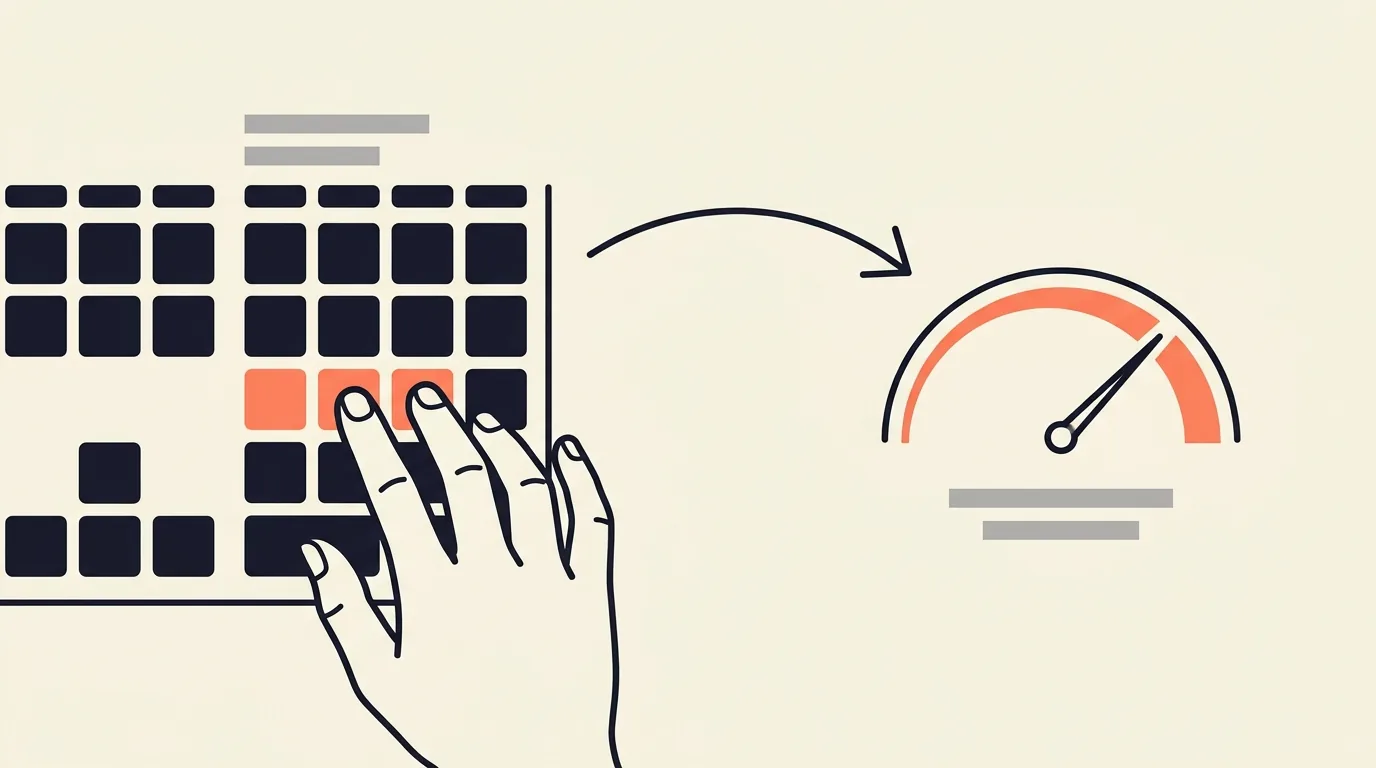
A 10 key typing test measures how fast and accurately you enter numbers on the numeric keypad, using one hand, scored in keystrokes per hour (KPH) rather than words per minute. It exists because data entry, accounts payable, medical billing, and claims processing roles spend their day in numeric fields, not prose. Published job specifications for these roles commonly sit between 8,000 and 12,000 KPH, with the accuracy bar tightening as the speed bar rises. As a rough bridge, KPH divided by 300 gives you an approximate WPM equivalent, so 9,000 KPH is on the order of 30 WPM. That conversion is useful for orientation and unreliable for anything else, and the reason why is the most important thing on this page.
What is a 10 key test and who gets asked to take one?
A 10 key test puts a stream of numbers on screen, usually zip codes, invoice amounts, account numbers, or dollar figures with decimals, and asks you to key them into a field as fast as you can without errors. The name comes from the ten digit keys on the numeric keypad, the block on the right side of a full size keyboard.
The distinction that trips people up: this is not the number row above the letters. A 10 key test assumes the dedicated keypad, where your right hand sits in one place and never travels. That is why a strong prose typist can be mediocre at 10 key on the first attempt. The motor skill barely overlaps.
You get asked to take one when the job description contains phrases like data entry, accounts payable, claims processing, medical billing and coding, order entry, or payroll clerk. Staffing agencies test for it routinely before they will put you in front of a client, and many county and state civil service systems test for it as a formal part of the hiring exam.
Some employers pair it with an alphanumeric data entry test, which mixes names, addresses, and numbers, and a few also test straight prose speed. If you are unsure which one is coming, our breakdown of typing speed requirements for jobs covers how postings in different fields phrase the requirement, and the data entry typing test page is set up for the alphanumeric side of that pairing.
What KPH do data entry jobs expect?
The honest answer is that it varies by employer and by seniority, and the only benchmarks worth trusting are the ones written down in a real job specification. Here are three that are published and verifiable.
The County of San Luis Obispo publishes a Data Entry Operator class specification with a three level ladder, and it is unusually clear because it pairs every speed with an error ceiling:
- Data Entry Operator I: 8,000 keystrokes per hour in production mode, error factor not to exceed 1%
- Data Entry Operator II: 10,000 keystrokes per hour, error factor not to exceed 0.7%
- Data Entry Operator III: 12,000 keystrokes per hour, error factor not to exceed 0.35%
That single document explains the commonly repeated "8,000 to 12,000 KPH" range better than any general guidance can. It is not one bar. It is an entry point, a mid point, and a senior point, and the accuracy requirement roughly triples in strictness across the same span. What is a good KPH lays the published bars out as one ladder, from learning speed to exceptional.
For a second data point from a different state and a different job family, the St. Louis County Circuit Court sets a minimum data entry speed of 7,000 keystrokes per hour for its Account Clerk III class. That is a reminder that the floor is often lower than internet advice suggests, particularly where data entry is one duty among many rather than the whole job.
Read those numbers as anchors, not as a national standard. There is no national standard. Private sector postings and staffing agency screens set their own bars, and plenty of them sit below 8,000. The practical move is to find the number in the posting in front of you and train until you clear it with room to spare, because test day conditions are always worse than practice conditions.
One more thing the class specs make explicit and most practice sites skip: the phrase "in production mode" means sustained output over a real shift, not a sixty second sprint. A one minute burst flatters everyone.
How is KPH different from WPM?
WPM assumes a word is five characters. That is a scoring convention, not a fact about English, and it is the assumption that lets you convert between the two units at all. Since there are 60 minutes in an hour and 5 keystrokes in a nominal word, KPH is approximately WPM times 300.
Here is the conversion in both directions, including keystrokes per minute (KPM), which some tests report instead.
| KPH | KPM | Approx. WPM equivalent |
|---|---|---|
| 6,000 | 100 | 20 |
| 7,000 | 117 | 23 |
| 8,000 | 133 | 27 |
| 9,000 | 150 | 30 |
| 10,000 | 167 | 33 |
| 12,000 | 200 | 40 |
| 15,000 | 250 | 50 |
| 18,000 | 300 | 60 |
The arithmetic: KPM equals KPH divided by 60. WPM equals KPM divided by 5, which is the same as KPH divided by 300. Going the other way, KPH equals WPM times 300.
Now the part that matters more than the table, because this conversion is quoted everywhere and qualified almost nowhere. For numeric-only work, treat the WPM column as a loose translation and never as a claim about your ability.
A numeric field is not a five character word. Zip codes are five digits, invoice totals might be six characters with a decimal, account numbers can run twelve or more. The five character convention was built for English prose and carries no meaning in a column of figures. Divide by 300 and you get a number, but the unit it produces does not describe anything you actually did.
Field navigation keys may or may not count. Real data entry means Tab or Enter between fields, and sometimes a numeric field terminator on every record. Some scoring engines count those as keystrokes and some do not. On short numeric records that difference can move a score by several percent, which is why the same typist gets two different KPH figures from two different tests.
One hand versus two changes the ceiling. Prose typing distributes work across ten fingers. Numeric keypad work uses three fingers of one hand on a small cluster. The speed ceilings are set by different physical constraints, so a person who converts to 40 WPM on a 10 key test is not equivalent to a 40 WPM prose typist in either direction.
Gross versus net differs by test. Some tools report raw keystrokes and list your error rate separately. Others deduct for errors before reporting. Converting a gross KPH into a WPM figure and comparing it against a net WPM benchmark quietly compares two different things. We wrote about the general version of this problem in why your WPM differs on every typing test, and it applies with more force to KPH, because KPH scoring is less standardized than WPM scoring. If you want the underlying mechanics, how WPM is calculated covers the gross and net formulas in detail.
Use the table to sanity check whether a posting's KPH requirement is roughly in reach given your prose speed. Do not use it to report a score.
What is proper 10 key finger technique?
The home position is the same everywhere and it is worth getting right on day one, because the wrong habit is expensive to unlearn.
Rest your right index finger on 4, middle finger on 5, ring finger on 6. The 5 key has a raised bump or bar on it, exactly like F and J on the letter keys, so you can find home position by feel without looking. That tactile marker is a standard keyboard feature, not a quirk of your particular model.
From that anchor, each finger owns a vertical column:
- Index finger: 1, 4, 7
- Middle finger: 2, 5, 8
- Ring finger: 3, 6, 9
- Thumb: 0
- Little finger: Enter, plus the operators on the right edge
The decimal point is usually taken by the ring finger reaching down, though some operators assign it to the middle finger. Either is fine as long as you pick one and stop deciding mid-entry.
Three habits separate fast keypad operators from slow ones. First, return to 4-5-6 after every reach, so the next keystroke starts from a known position. Second, never look at the keypad, because the loop of looking down and back up costs more than any single keystroke you save. Third, keep the wrist neutral and let the fingers do the reaching rather than sliding the whole hand, which is both slower and harder on you over a full shift.
If touch technique on the letter keys is also on your list, touch typing finger placement walks through the equivalent home row discipline for prose.
How do you practice without a dedicated numpad test?
Two situations come up constantly: you are on a laptop with no numeric keypad, or the practice tool you found is a dated single purpose page you do not want to keep loading.
If your laptop has no keypad, you have three real options. An external USB numeric keypad costs very little and is the only choice that builds the correct muscle memory, so buy one if numeric entry is going to be part of your job. Some laptops have an embedded keypad activated with Fn plus Num Lock, mapped onto the 7-8-9, U-I-O, J-K-L, and M keys, which is awkward but genuinely usable for practice. Failing both, practice on the number row, accepting that you are training a different skill that will transfer only partially.
For drilling itself, you do not need a numpad-specific tool to build numeric fluency. On TypeTimer, two things get you close:
Turn on the numbers toggle on the WPM test and run it in words mode. That mixes numeric strings into the word stream, so you get repeated practice switching into and out of numeric entry under time pressure. It is a mixed prose and number drill rather than a pure keypad drill, which is exactly what an alphanumeric data entry screen looks like.
For pure numeric reps, paste your own digit strings into the custom typing test. Generate a column of fake zip codes, invoice numbers, or dollar amounts, paste the block in, and the test runs on your text, times you, and scores you at the end. Everything stays in your browser tab. This is the closest thing to a numeric drill you can build in thirty seconds, and it has the advantage that you can practice the exact format your target job uses.
Whichever you use, run accuracy first. Given the error ceilings in those county specs, a fast operator with a 1.5% error rate is disqualified while a slower one at 0.3% is hired. The typing accuracy test leads with accuracy instead of speed if you want to train that side deliberately.
How do you report a 10 key score to an employer?
Report the number the employer asked for, in the unit they asked for, and say which test produced it. "9,200 KPH, numeric keypad, 3 minute test, 99.2% accuracy" is a useful sentence. "Fast at 10 key" is not.
If a posting asks for KPH and you only have a WPM figure, convert it, label it as an approximation, and be ready to take their test. Never present a converted number as a measured one.
Two limits worth being straight about. First, most employers who care will administer their own test, and that test is the one that counts. Anything you bring is a screening aid that gets you to the test, not a substitute for it. Second, some public sector employers require a proctored test specifically. California's typing certification requirements are a clear example: the certificate must come from a 5 minute test, proctored either virtually or in person, at a minimum of 40 WPM, and certificates are honored for four years. Unproctored tests and tests shorter than 5 minutes are not accepted. No online self-administered certificate satisfies that, including ours. If you are applying for a California state clerical position, book a proctored session through an approved provider and do not spend money on anything else.
Where an online certificate does earn its keep is the large middle of the market: private employers, staffing agencies, and remote roles where a recruiter wants something more solid than a self-reported number but is not running a formal civil service exam. TypeTimer's verified certificate is a one time $4.99 and records your net WPM and accuracy against a unique ID that anyone can check at /verify, which is the part that makes it worth more than a screenshot. The test, your history, and the shareable result card are free. For the mechanics of putting either kind of credential in front of a hiring manager, see typing certificates for employment.
Frequently asked questions
What is a good KPH for data entry?
Judge it against the posting, not against an average. The San Luis Obispo County Data Entry Operator series puts entry level at 8,000 KPH, mid level at 10,000, and senior at 12,000, each with a tighter error ceiling than the last. St. Louis County Circuit Court sets 7,000 KPH for one of its clerk classes. If you can hold 10,000 KPH with accuracy above 99%, you are competitive for most postings that name a number. Below 8,000, expect some listings to screen you out on the number alone.
Is 8,000 KPH fast?
It is a solid working speed and it is the published entry level bar in the county specification above, which converts to roughly 27 WPM equivalent. Fast within the field starts closer to 12,000. But speed alone answers half the question. That same spec allows a 1% error factor at 8,000 KPH and only 0.35% at 12,000, so a senior operator is expected to be roughly one and a half times faster and about three times more accurate at the same time.
Can I do 10-key on a laptop without a numpad?
You can practice, but not on the real layout. An external USB numeric keypad is inexpensive and is the only way to build the correct one hand muscle memory. Many laptops offer an embedded keypad via Fn plus Num Lock, mapped onto the right side letter keys, which works for drills though the finger spacing is not identical. The number row is a fallback that trains a related but genuinely different skill. If the job involves numeric entry every day, get the external keypad.
Does accuracy count in KPH scores?
Yes, and often more than speed. Employers that specify KPH almost always specify an error ceiling alongside it, and the ceilings are strict: 1% down to 0.35% in the county specification cited here. A wrong digit in an account number or a dollar figure is a costly error to unwind, which is why data entry hiring weighs accuracy heavily. Practice at the speed where you stay clean, then raise it.
Take the test
Run the WPM test with the numbers toggle on for a mixed alphanumeric drill, or paste a block of your own digit strings into the custom typing test for pure numeric reps. Your results screen reports CPM alongside net WPM and accuracy, so you can multiply CPM by 60 to see the keystrokes per hour figure your practice is tracking toward.
When the score is one you want on record, the verified certificate is $4.99, documents your net WPM and accuracy, and gives a recruiter a public ID to check at /verify instead of taking your word for it.