Transcription Typing Speed: What WPM Transcribers Need
By Mark Fulton ·
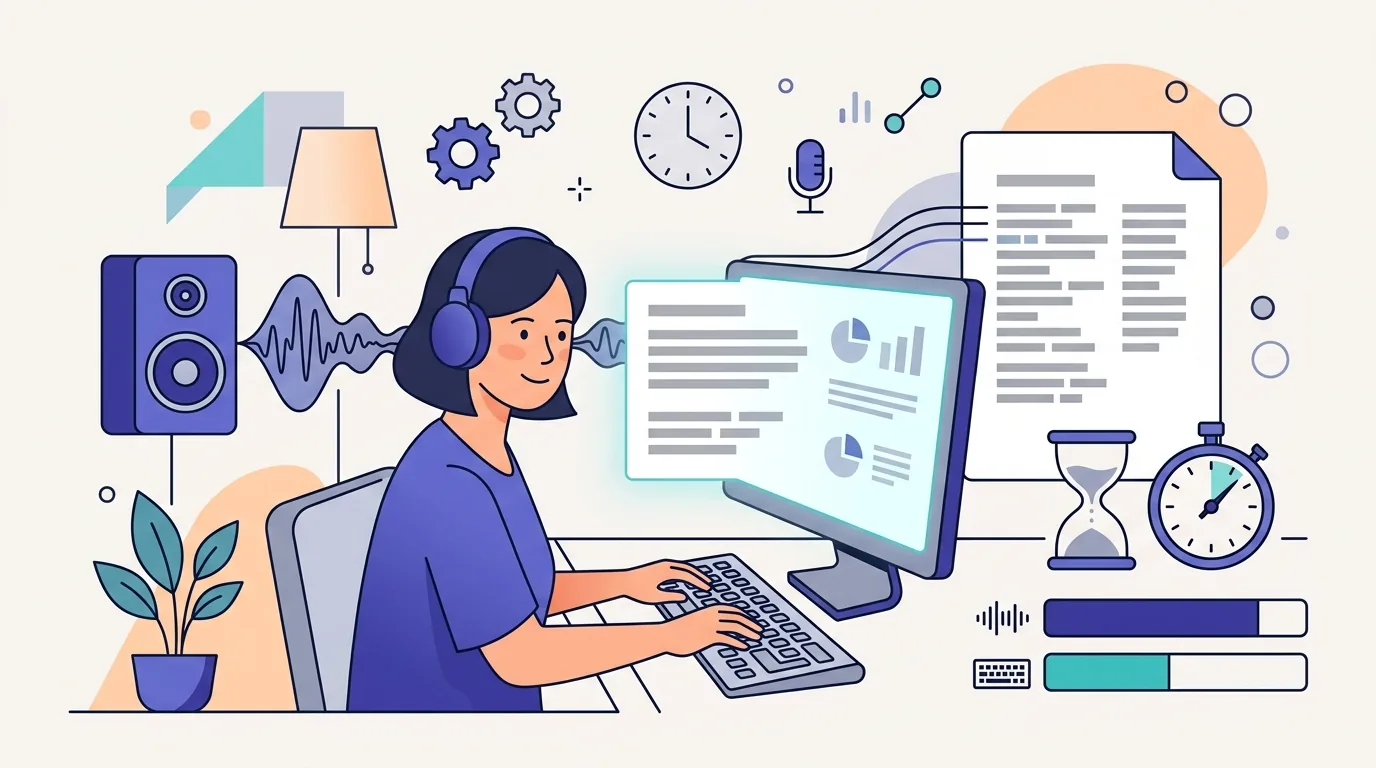
Most transcription work has no formal typing speed requirement, and where one is published it sits around 60 WPM with near-perfect accuracy. TypeWell, which trains meaning-for-meaning transcribers, asks for at least 60 words per minute with no errors on its own test and recommends 65 or more, as of September 2026. The number that actually decides whether transcription works for you is different: how many hours it takes you to finish one hour of audio. Pay is usually per audio minute or audio hour, so your speed only matters through that ratio. At 60 net WPM with good accuracy, clean audio lands around five to six hours of work per audio hour. At 80 to 100 WPM it drops toward the four-to-one ratio that research transcription guides budget for.
That is the short version. The rest of this post shows where those hours come from, a table you can read your own speed off, how general, legal and medical work differ, and a practice loop that trains listening and typing together instead of treating them as separate skills.
What typing speed do transcription jobs ask for?
Fewer jobs name a number than you would expect. When one does, it is usually a minimum on the platform's own test rather than an industry standard. The clearest published example is TypeWell's required skills for transcriber candidates: at least 60 WPM with no errors, measured on TypeWell's typing test, with 65 or higher recommended for best performance. The same page asks for the ability to understand and restate fast, complex English, which tells you something about the work. Typing is the entry ticket. Listening and language are the job.
General transcription platforms tend to skip the typing test entirely. They screen with a short audio file graded against their style guide, because that measures the thing they pay for. GoTranscript, for instance, publishes a set of its old tests for practice: two transcription tests and seven editing tests, with no typing speed mentioned anywhere on the page. Legal certification works the same way, as the section below shows.
So if you are asking "what WPM do I need to get hired," the honest answer is: enough to pass an audio test at a pace that makes the pay worthwhile. That second half is where the real number lives.
Why does the audio-to-work-time ratio matter more than WPM?
Because you are paid for audio, not for words or for hours. Transcription rates are quoted per audio minute or per audio hour. TranscribeMe's transcriber page, for example, lists $15 to $22 per audio hour as of September 2026. Your effective hourly rate is that figure divided by the hours you spend per audio hour. Halve your ratio and you double your hourly rate, without the platform changing anything.
WPM feeds that ratio, but it is only one input. A transcription hour is made of:
- Typing time. Words spoken, divided by your net WPM.
- Stop-start overhead. Nobody types continuously to live speech. You play a few seconds, pause, type, rewind, check.
- A review pass. Listening back through the whole file against your draft. On clean audio this is at least the length of the recording.
- Correction time. Every error you made on the first pass has to be found and fixed, and errors you miss cost you on quality review.
A faster typist shrinks item 1 and part of item 2. An accurate typist shrinks item 4. Nothing about typing shrinks item 3. That is why pushing from 90 to 110 WPM changes your ratio far less than pushing from 50 to 70, and why accuracy deserves as much practice time as speed.
How many hours does one hour of audio take at your speed?
Here is the conversion, built from the four parts above. Treat every cell as an estimate for clean, single-speaker audio. The inputs are stated so you can swap in your own:
- 9,000 words per audio hour (150 spoken words per minute). This is a working figure, not a standard. Count one minute of your own audio and scale it: slow dictation can be well under this, fast conversation well over.
- Stop-start overhead of 50% on top of pure typing time.
- One full review pass, 60 minutes for a 60 minute file.
- About 10 seconds to find and fix each first-pass error, where the error rate is 100% minus your typing accuracy.
| Net WPM | 98% accuracy | 95% accuracy | 92% accuracy |
|---|---|---|---|
| 40 WPM | about 7.1 hours | about 7.9 hours | about 8.6 hours |
| 50 WPM | about 6.0 hours | about 6.8 hours | about 7.5 hours |
| 60 WPM | about 5.3 hours | about 6.0 hours | about 6.8 hours |
| 80 WPM | about 4.3 hours | about 5.1 hours | about 5.8 hours |
| 100 WPM | about 3.8 hours | about 4.5 hours | about 5.3 hours |
| 120 WPM | about 3.4 hours | about 4.1 hours | about 4.9 hours |
These are estimates from a simple model, labelled as such. They do line up with the figures transcription providers and research guides publish. GoTranscript's blog puts an hour-long recording at 6 to 8 hours for a professional typing at 50 to 60 WPM, which matches the middle and right of the 50 and 60 WPM rows. Utah State University's guide to transcription for oral history and qualitative research advises allowing four hours of transcription time for every hour of audio, which is roughly where an accurate 80 to 100 WPM typist lands on clean audio. Allegis Transcription's turnaround guide treats three-to-one or four-to-one as the ratio to aim for.
Three readings of the table matter more than any single cell:
- Accuracy moves you as far as speed does. A 60 WPM typist at 98% finishes sooner than an 80 WPM typist at 92%.
- The gains shrink as you speed up. Going from 40 to 60 WPM saves close to two hours per audio hour. Going from 100 to 120 saves under half an hour.
- Hard audio multiplies everything. Several speakers, accents, crosstalk, background noise and technical vocabulary all raise stop-start overhead and the review pass. Treat the table as a floor for difficult files, never a promise.
If you want to see how net WPM already folds errors into the speed number, how WPM is calculated walks through the formula.
How do general, legal and medical transcription differ?
The typing is similar. The standard you are measured against is not.
| General | Legal | Medical | |
|---|---|---|---|
| Typical source | Interviews, podcasts, meetings, research recordings | Court hearings, depositions, recorded proceedings | Clinical dictation |
| Published speed bar | Rarely; set per platform if at all | None in the main certification | No national standard |
| What gets scored | Accuracy against a style guide | Accuracy and strict transcript format | Weighted quality score |
| Style | Clean verbatim or full verbatim, per client | Verbatim, speaker identification, certified format | Templates, terminology, flagged discrepancies |
General transcription is where platform style guides rule. Whether you drop filler words, how you mark crosstalk, how you timestamp: each client sets it, and the entrance test checks you followed it.
Legal transcription has a real certification, and speed is not in it. The AAERT certification program offers the Certified Electronic Transcriber (CET), which pairs a knowledge exam with a practical exam: producing a transcript in the federal format from recorded proceedings, at 95 percent accuracy. There is no typing speed requirement in any of AAERT's certifications. Legal work is slow for reasons that have nothing to do with fingers: verbatim capture, speaker labels, and formatting that has to hold up in a court record. If you are comparing it with neighbouring roles, see legal secretary typing speed and court reporter typing speed, which is a very different job with very different numbers.
Medical transcription has its own post, medical transcription typing speed, because its quality standard is weighted by clinical consequence and deserves the full explanation. The short version: accuracy is scored, speed is not published, and the arithmetic points to a similar 60 to 65 WPM floor.
What do transcription platform entrance tests check?
Across general and legal work, the entrance test is almost always an audio test, not a typing test. Expect some combination of:
- A short audio file to transcribe, often with a difficult stretch: an accent, crosstalk, a mumbled word.
- Style guide compliance. Filler words, tags for inaudible sections, number formatting, speaker labels. Most failures happen here, not on speed.
- A grammar or editing section. GoTranscript's published practice set is mostly editing tests, which is a fair signal of what they value.
- A time limit that is generous for typing but tight for someone rewinding every sentence.
Where a typing test is part of the process, as with TypeWell, the bar pairs speed with accuracy: 60 WPM with no errors is a much harder target than 60 WPM with a few mistakes. That is also the thing most people under-train. If your speed is fine and your accuracy is not, how to improve typing accuracy is the more useful read.
How should you practice listening and typing together?
Train the two halves separately, then join them. Typing tests measure the typing half precisely, and audio practice trains the listening half. Neither alone predicts your ratio.
Step 1: measure your baseline typing. Take the 5-minute typing test. Five minutes is closer to sustained transcription than a one-minute sprint, and it gives you a net WPM and accuracy figure you can place on the table above.
Step 2: type real transcript text. Speech does not read like prose. It has false starts, repeated words, unusual names and spoken numbers. Take a transcript you have already finished, or a public interview transcript, and paste a passage into the custom typing test. It runs in your browser and nothing is uploaded. Your WPM on transcript-shaped text is the number that feeds your ratio.
Step 3: time a short audio file end to end. Pick five minutes of clean audio. Transcribe it in your usual tool, review it once against the audio, and note the total time. Divide by five to get minutes per audio minute. That is your real ratio, and it will show you which part of the job is costing you.
Step 4: fix the biggest cost first. If typing time dominates, keep drilling speed on transcript text. If rewinds dominate, work on listening in longer chunks and learn your player's hotkeys. If correction time dominates, slow down slightly and aim for accuracy. Repeat step 3 weekly and watch the ratio, not the WPM.
For medical work, the dedicated typing test for medical transcription uses clinical vocabulary, which is a better rehearsal than general prose.
Frequently asked questions
Is 60 WPM fast enough for transcription?
Yes, for getting started. It meets the published minimum where one exists, such as TypeWell's 60 WPM with no errors. On the table above, 60 net WPM at high accuracy works out to about five to six hours per audio hour on clean audio, which is workable but not quick. Getting to 70 or 80 with the same accuracy is where the ratio starts to feel comfortable.
How long does it take to transcribe one hour of audio?
For clean, single-speaker audio, about four hours is a common planning figure: Utah State University's research guide uses exactly that ratio. Slower typists and harder audio take longer. GoTranscript's blog puts it at 6 to 8 hours for someone typing 50 to 60 WPM. Multiple speakers, accents and poor recording quality can push well past that.
Do transcription jobs test typing speed?
Some do, most do not. Programs like TypeWell set a typing test minimum. General transcription platforms usually test with an audio file graded against a style guide, and AAERT's legal certification uses a knowledge exam plus a practical transcript at 95 percent accuracy, with no speed requirement. Either way, accuracy is what gets scored.
Does a foot pedal really help?
For most people, yes. A pedal controls play, pause and rewind with your foot, so your hands stay on the home row instead of reaching for a hotkey every few seconds. That attacks stop-start overhead, which the table shows is a large share of every audio hour. The Utah State guide recommends a USB foot pedal alongside transcription software that supports variable playback speed and hotkeys. If you do not have one yet, learning your player's keyboard shortcuts gets you part of the way.
Measure the typing half first, free, on the 5-minute typing test, and find your row in the table. Then time five minutes of real audio and compare. If an application asks for proof of your speed, a verified typing certificate records WPM and accuracy together for $4.99, with a public lookup page an employer can check.